Cloudflare Tunnels
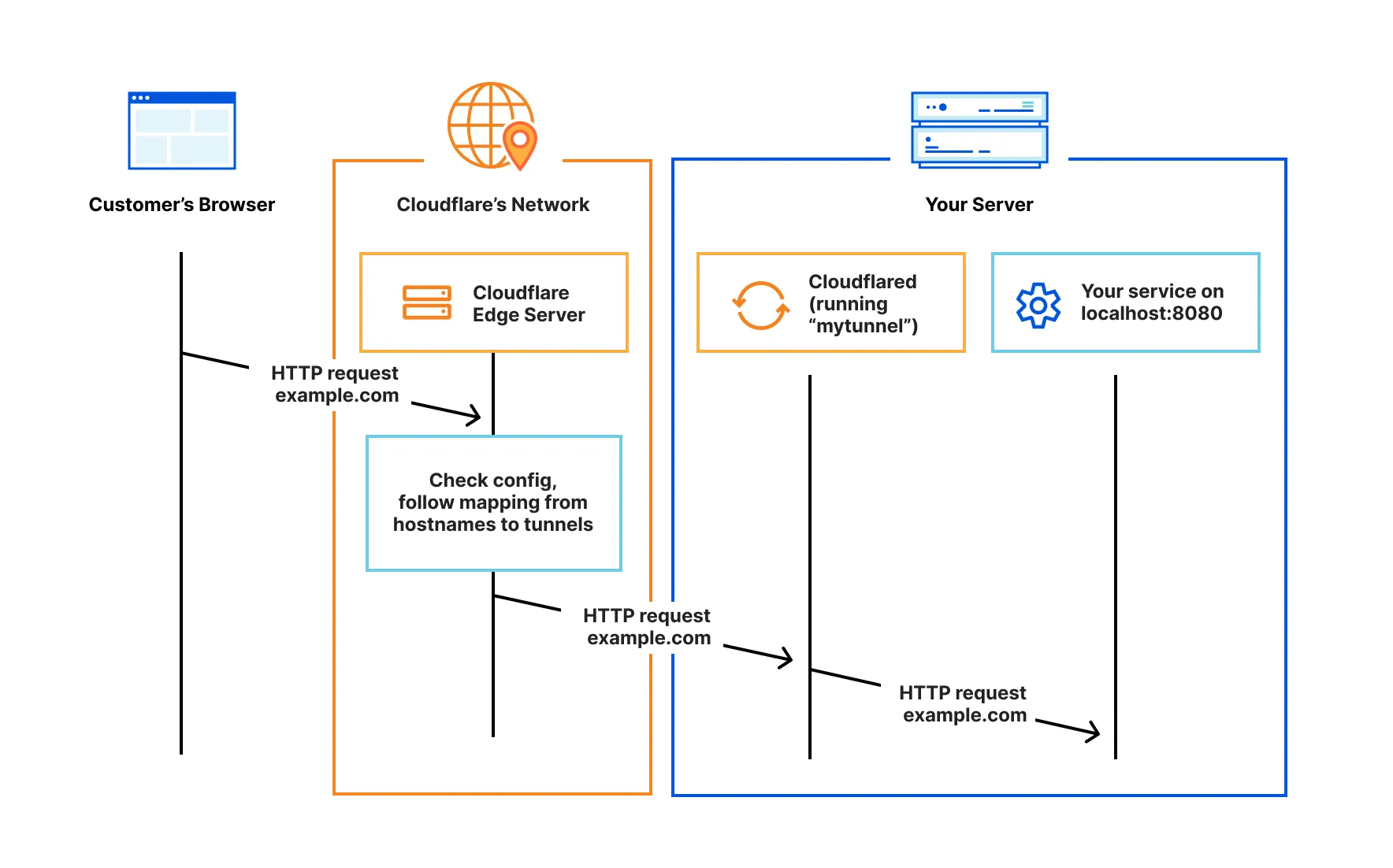
Setup
Generate the cert.pem file by logging into Cloudflare. This will provide a link to visit in the browser to log in.
sudo chmod a+w ./cloudflare
docker run -it --rm -v ./cloudflare:/home/nonroot/.cloudflared cloudflare/cloudflared:latest tunnel login
Create the tunnel
docker run -it --rm -v ./cloudflare:/home/nonroot/.cloudflared cloudflare/cloudflared:latest tunnel create api-tunnel
Route traffic through the tunnel to caddy
docker run -it --rm \
  -v ./cloudflare:/home/nonroot/.cloudflared \
  cloudflare/cloudflared:latest \
  tunnel route dns $TUNNEL_ID platform.john-stream.com
docker-compose.yml
services:
  tunnel:
    image: cloudflare/cloudflared:latest
    container_name: cloudflared
    restart: unless-stopped
    volumes:
      - ./cloudflare:/etc/cloudflared:ro
    command:
      - tunnel
      - --no-autoupdate
      - --loglevel
      - debug
      - run
      - $TUNNEL_ID
    env_file:
      - .env
Locally Managed Tunnel
Example Config
config.yml
tunnel: $TUNNEL_ID
credentials-file: /etc/cloudflared/<tunnel id>.json

ingress:
- hostname: '*.john-stream.com'
    service: http://caddy:80
    originRequest:
    matchSNItoHost: true

# Catch all
- service: http_status:404
<tunnel id> actually has to be replaced by the real tunnel ID for the path in credentials-file. It doesn't work when using a variable like above for some reason.